Hardware Reviews
Evaluations of hardware that works with Free and Open Source Software — from capture devices to Linux-compatible peripherals.
When evaluating hardware for use with Free and Open Source Software, the first consideration is always driver support. Many modern devices ship with proprietary drivers that can create stumbling blocks for Linux users. The community has long advocated for manufacturers to release open documentation, making it easier for developers to write free drivers. Over the years, progress has been steady but uneven. Some categories, such as USB video capture devices and HDMI converters, have seen excellent community-driven support emerge. Others, particularly newer graphics cards and wireless networking hardware, remain difficult to use without proprietary firmware. Checking community wikis and hardware compatibility lists before making a purchase can save considerable time and frustration.
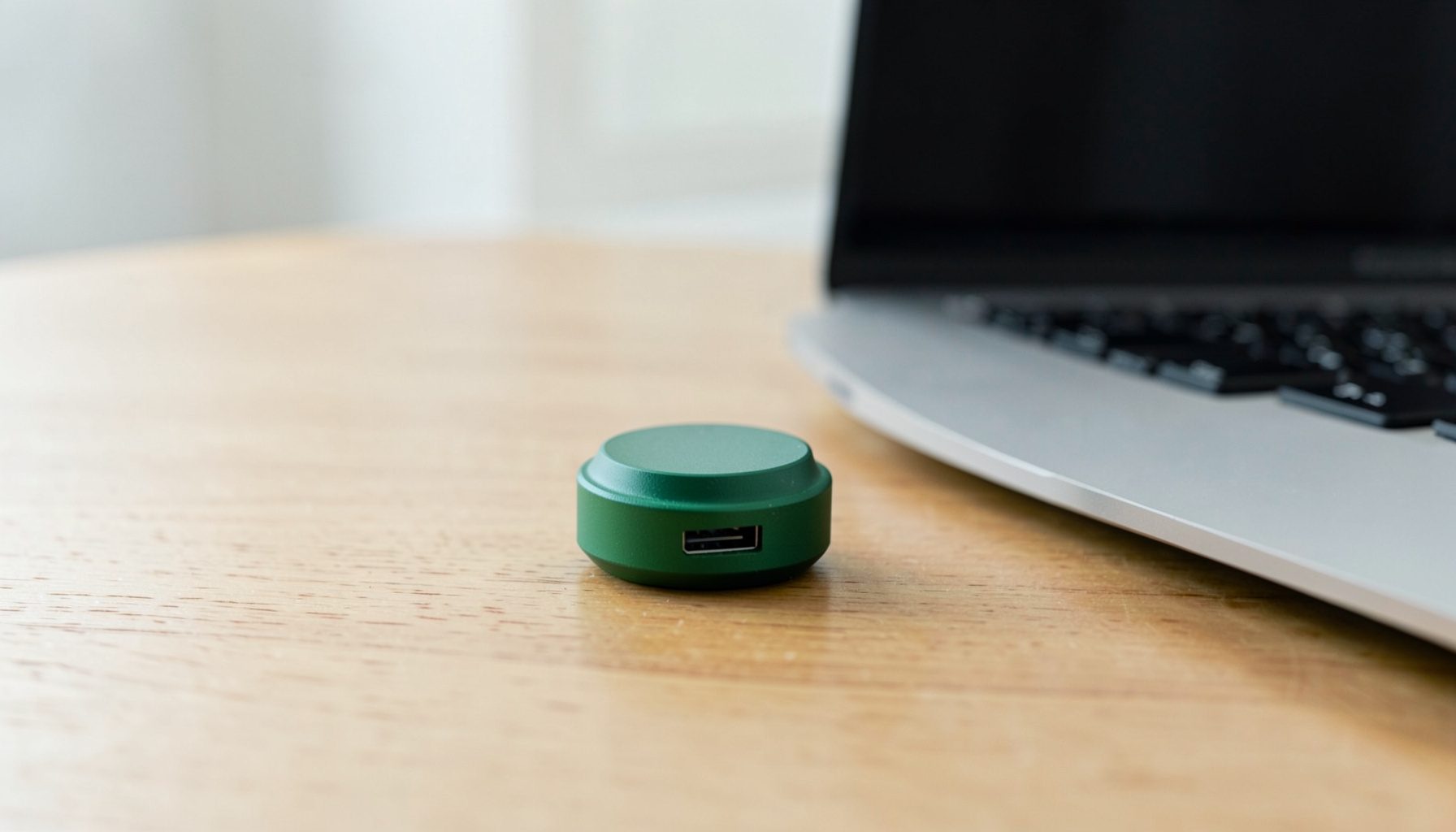
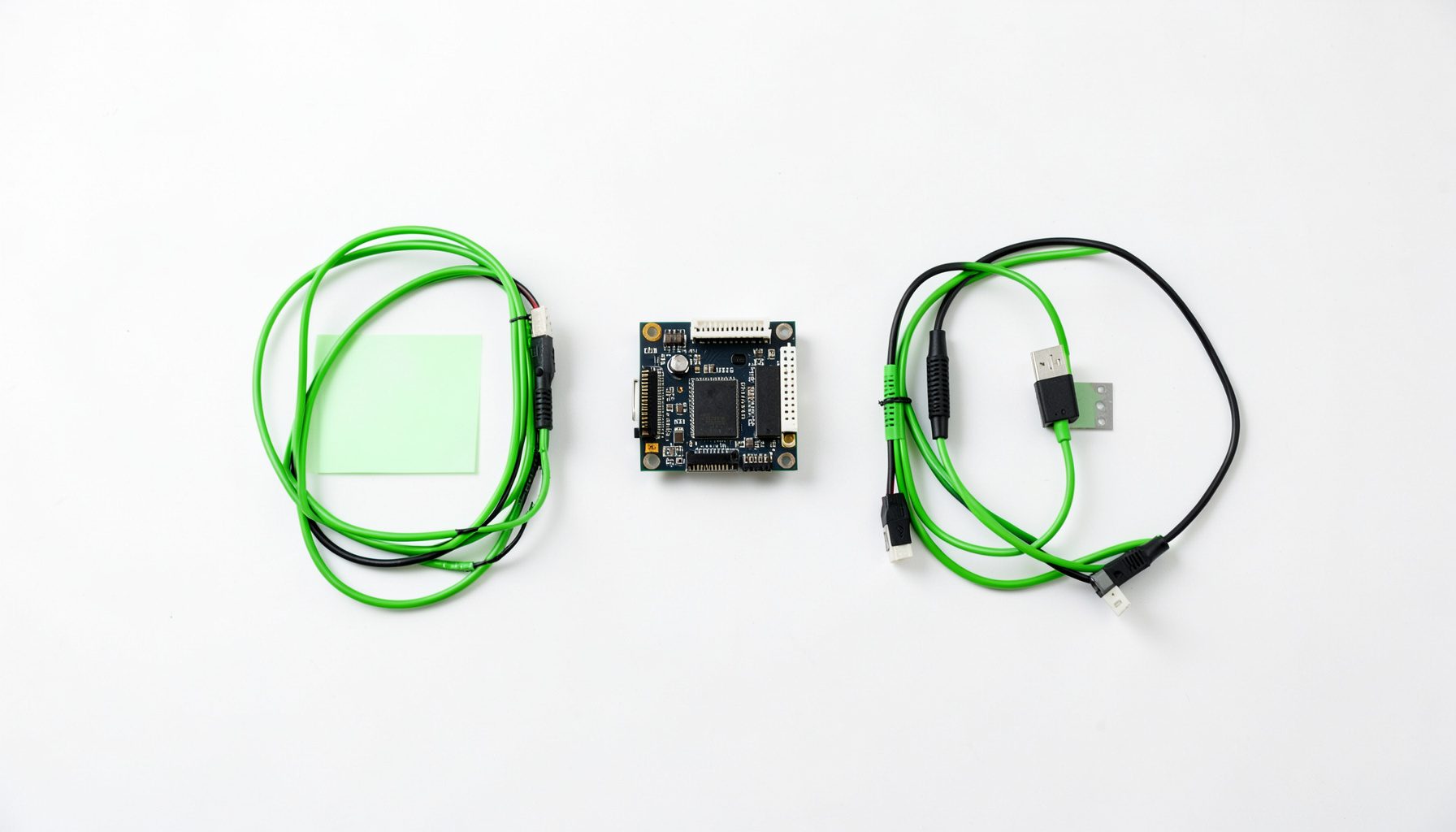
Capture devices represent a particularly interesting category within the open source hardware ecosystem. Whether you are looking to digitize old tapes or stream live video, finding a device that works out of the box with Linux can be a challenge. Some units are recognized immediately by the kernel, while others require manual installation of drivers or firmware blobs. The community maintains several guides covering popular models, and many users have shared their success stories on forums and video channels. For those willing to do a bit of research, affordable options exist that work beautifully with free software tools for recording, editing, and encoding video content.
Virtualization is another area where hardware compatibility directly affects the open source experience. Running virtual machines with tools like VirtualBox often requires careful attention to settings such as guest additions and USB passthrough. Snapshots, importing and exporting appliances, and configuring network bridges all become smoother when the underlying hardware is well-supported. Many users find that older hardware, while less powerful, offers better compatibility with free operating systems because manufacturers were more likely to release documentation. Modern laptops with proprietary power management and graphics switching can present hurdles, but the community has produced extensive documentation to help navigate these challenges.
The broader mission of the open source hardware movement is to give users full control over their computing environment. When every component in a system has a freely available driver, the device truly belongs to its owner. This philosophy extends beyond desktops and laptops into embedded devices, single-board computers, and specialized peripherals. While the ecosystem still has gaps, each year brings new success stories as manufacturers respond to community pressure and developers reverse-engineer proprietary protocols. Checking hardware reviews before purchasing helps users make informed decisions and supports the ongoing effort to build a fully open computing platform from the ground up.